
IT SolutionS
Microsoft 365 Migration Services Abu Dhabi
Zero Email Loss
Microsoft 365 Migration Services in Abu Dhabi
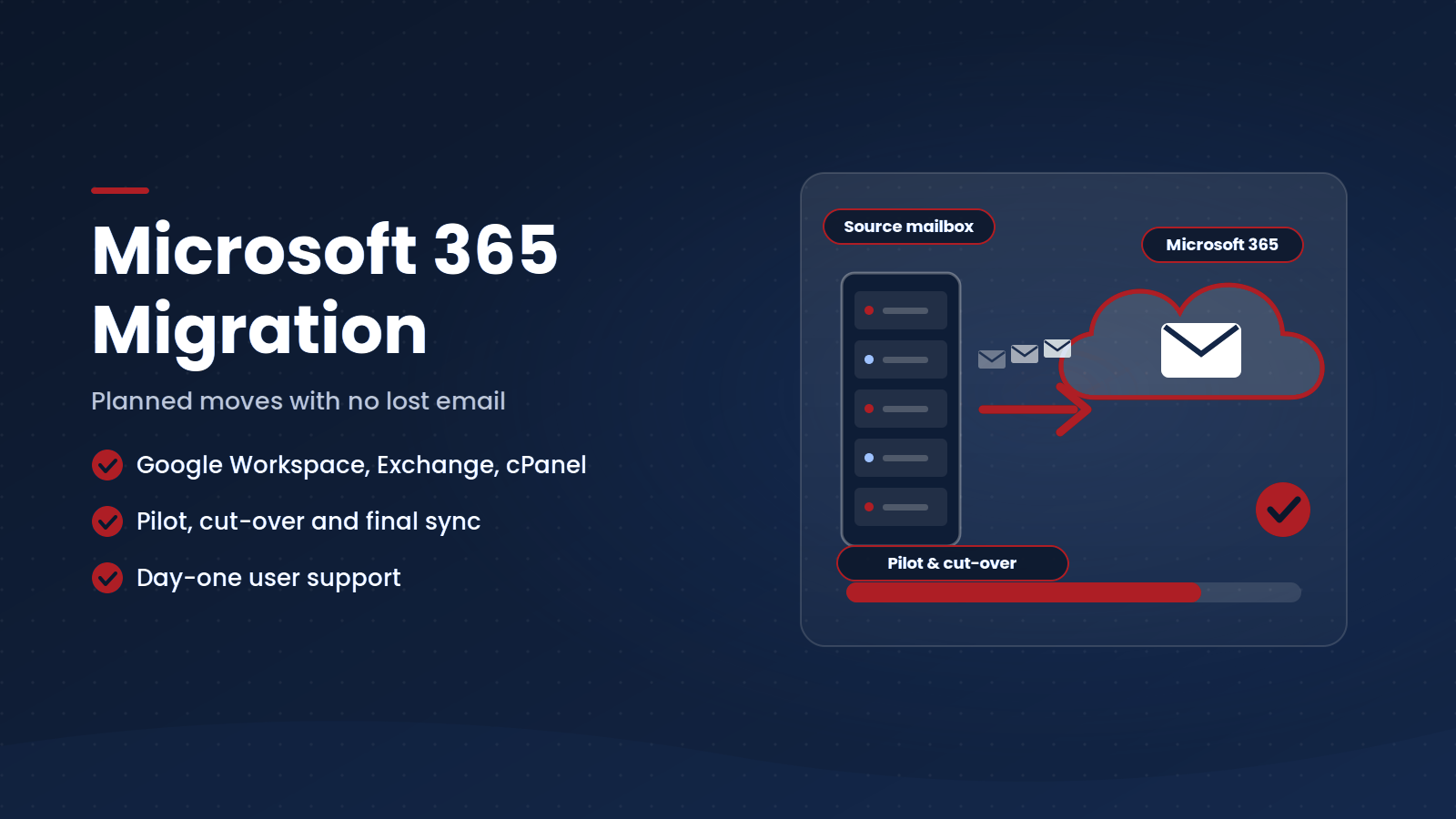
Move your email, calendars, contacts and files to Microsoft 365 with a planned, tested cut-over: no lost email, minimal downtime and local engineers on hand in Abu Dhabi when your team logs in.
Authorised Microsoft Partner · 15+ years of combined industry experience · Written migration plan and rollback · On-site support on cut-over day


A Microsoft 365 Migration Without the Disruption
Moving to Microsoft 365 should be a step forward, not a week of missing emails, broken phones and confused staff. Most migration problems come from rushing: no inventory, no pilot, no plan for email arriving during the switch, and no one available when users log in on Monday.
AGORA Technologies, an authorised Microsoft Partner, plans and runs Microsoft 365 migrations for Abu Dhabi businesses of every size. We map your current setup, migrate in tested batches, switch your domain at the right moment and support your team through the first days, so the only thing your staff notice is a better workplace.
Office 365 and Microsoft 365 Migrations We Handle
Google Workspace to Microsoft 365
Email, labels (moved as folders), calendars, contacts and Google Drive files moved to Exchange Online and OneDrive or SharePoint. Google Docs, Sheets and Slides are converted to Word, Excel and PowerPoint formats.
cPanel, Hosting and IMAP Email to Microsoft 365
Email from web hosting providers, cPanel or any IMAP server moved to Exchange Online. IMAP moves email only, so we export and import contacts and calendars separately.
File Server and Shared Drive to SharePoint and OneDrive
Old file servers, NAS shares and personal drives restructured into SharePoint sites and OneDrive, with permissions mapped and version history enabled.
On-Premise Exchange to Microsoft 365
Cutover, staged or hybrid migration from Exchange Server, depending on your version, mailbox count and how long you need both systems running. Shared mailboxes, distribution lists, permissions and public folders included.
Tenant-to-Tenant Migration
For mergers, acquisitions, rebrands or consolidating several Microsoft 365 tenants into one. Mailboxes, OneDrive, SharePoint and Teams moved between tenants, with careful planning around the domain transfer.
PST and Archive Migration
Old Outlook PST files and email archives imported into Exchange Online archive mailboxes, so nothing is left on individual PCs.
Our Microsoft 365 Migration Process
Discovery and inventory:
mailboxes, sizes, shared mailboxes, distribution lists, file shares, domains, DNS and devices.
Tenant preparation:
domains verified, licences assigned, security baseline and MFA set up before any data moves.
Pre-staging:
bulk data copied in the background while your staff keep working on the old system.
Day-one support:
engineers on-site and remote to help users sign in, set up Outlook and phones, and fix any issues.
Migration plan:
method, batches, timeline, cut-over date, rollback plan and a staff communication plan.
Pilot migration:
a small group moves first so we can test mail flow, Outlook, mobile devices and file access.
Cut-over:
MX and DNS records switched, usually overnight or at a weekend, followed by a final sync of new items.
Decommission and handover:
old system retired only once everything is verified, with documentation handed to you.
What Happens on Cut-Over Day?
Most of the data is already in Microsoft 365 before cut-over, so the switch itself is short. We update your domain’s mail records so new email goes to Microsoft 365, run a final sync to pick up anything that arrived during the switch, and keep the old system available as a fallback. Your staff sign in with their new credentials, open Outlook and Teams, and re-add their account on phones, with our engineers on hand to help.
Microsoft 365 Migration Checklist
Before any migration, make sure you have:
- Admin access to your current email system and your domain’s DNS
- A full list of users, shared mailboxes and distribution lists
- Mailbox sizes and total file data to move
- Microsoft 365 licences chosen for each user
- A cut-over date that avoids month-end and peak periods
- A plan for mobile devices and shared PCs
- A backup of your existing data
- A message to staff explaining what will change and when
We work through this checklist with you during discovery.
What Affects the Cost of a Microsoft 365 Migration?
Migration cost depends on the number of mailboxes, the amount of data, the source system, whether files and archives are included, the migration method and how much on-site support you need on cut-over day. Small businesses moving from Google Workspace or cPanel email are usually quick and affordable. Exchange hybrid and tenant-to-tenant projects take more planning. After a free discovery call we give you a fixed-price quote.
Why Choose AGORA for Your Microsoft 365 Migration
A written plan, not guesswork. Every migration comes with a documented plan, timeline and rollback option.
Pilot first.
We test with a small group before moving everyone.
No lost email.
Pre-staging and a final sync mean messages sent during the switch are captured.
Local engineers on cut-over day.
On-site help in Abu Dhabi, not just a remote session.
Security from day one.
MFA and a security baseline are set before data moves.
Support after the move.
Ongoing Microsoft 365 management and helpdesk available once you’re live.
Microsoft 365 Migration Abu Dhabi: Frequently Asked Questions
How long does a Microsoft 365 migration take?
A small business with under 50 mailboxes can often be migrated within a week, including planning and the pilot. Larger or more complex migrations, such as Exchange hybrid or tenant-to-tenant, are planned over several weeks.
Will we lose any email during the migration?
No. We pre-stage data, switch mail records at a planned time and run a final sync, so email that arrives during the switch is captured.
Will our staff be able to work during the migration?
Yes. Most data is copied in the background while staff keep using the old system. The actual switch is usually done overnight or at a weekend.
Can you migrate from Google Workspace to Microsoft 365?
Yes. We move Gmail, calendars, contacts and Google Drive files, converting Google Docs, Sheets and Slides into Microsoft Office formats.
What is the difference between Office 365 migration and Microsoft 365 migration?
They are the same thing. Office 365 business plans were renamed Microsoft 365, so an Office 365 migration today means moving to Microsoft 365.
Do we need to change our email addresses?
No. You keep your existing domain and addresses. We verify your domain in Microsoft 365 and update its mail records at cut-over.
What happens to our phones and Outlook?
Outlook on PCs usually just needs a new profile or sign-in, and phones need the account re-added. We provide simple guides and on-site help on day one.
Can you migrate our shared drives and file server too?
Yes. We move file shares to SharePoint and OneDrive, mapping folders and permissions so teams can find their files straight away.
How much does a Microsoft 365 migration cost in Abu Dhabi?
It depends on the number of mailboxes, data volume, source system and the level of on-site support. We give a fixed-price quote after a free discovery call.
Do you support migrations outside Abu Dhabi?
Yes. We run migrations across the UAE remotely, with on-site cut-over support in Dubai and other emirates by arrangement.
Ready to Move to Microsoft 365?
Get a free migration plan. We’ll review your current setup and send a clear plan, timeline and fixed-price quote, with no obligation.
AGORA Technologies · Office No. 307, 3rd Floor, Abdullah Bin Darwish Building, Salam Street, Al Zahiyah, Abu Dhabi · info@techno-agora.com
Microsoft, Microsoft 365, Office 365, Exchange, Outlook, Teams, SharePoint and OneDrive are trademarks of the Microsoft group of companies. Google Workspace and Gmail are trademarks of Google LLC.